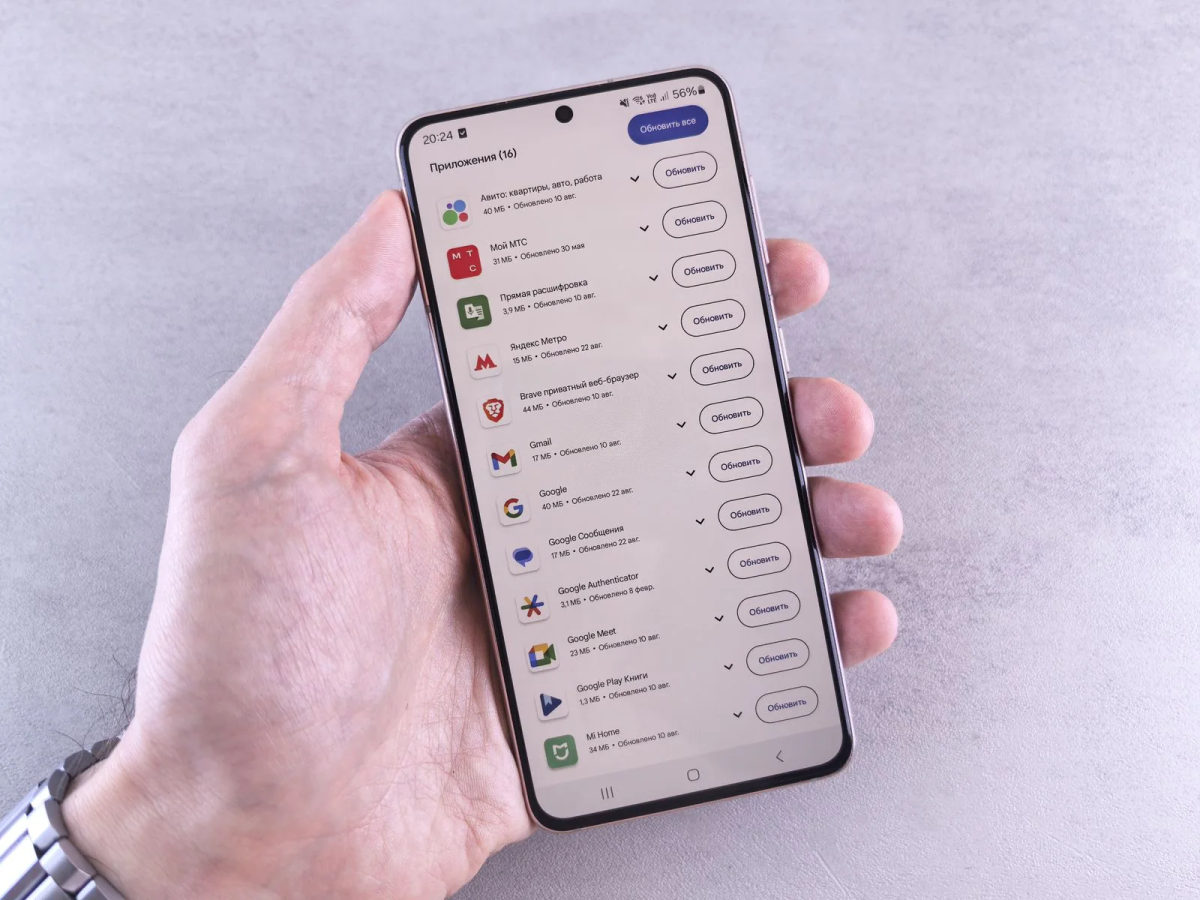
Start with the connector
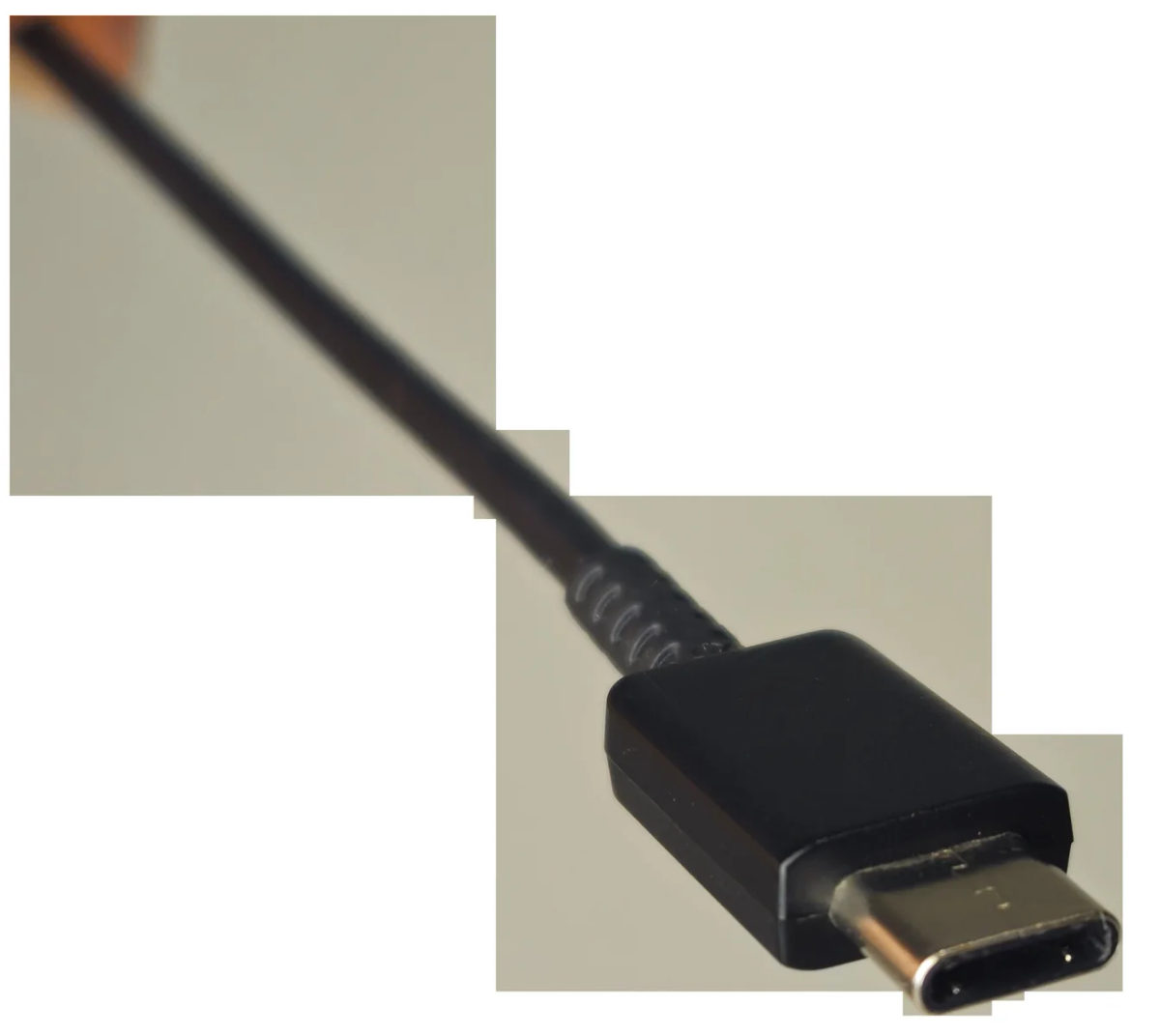
USB-C describes a reversible connector. It does not, by itself, promise fast file transfers, laptop charging or monitor output. USB-IF explicitly separates the Type-C connector from USB 3.2, USB4 and USB Power Delivery. A small device can use the same oval port for basic USB 2.0 data while another supports a much faster link and higher charging power.
That distinction matters when a box says “USB-C cable” or a laptop lists several USB-C ports. The label establishes the plug shape. The specification sheet must name the protocol and capability.
Three checks before buying
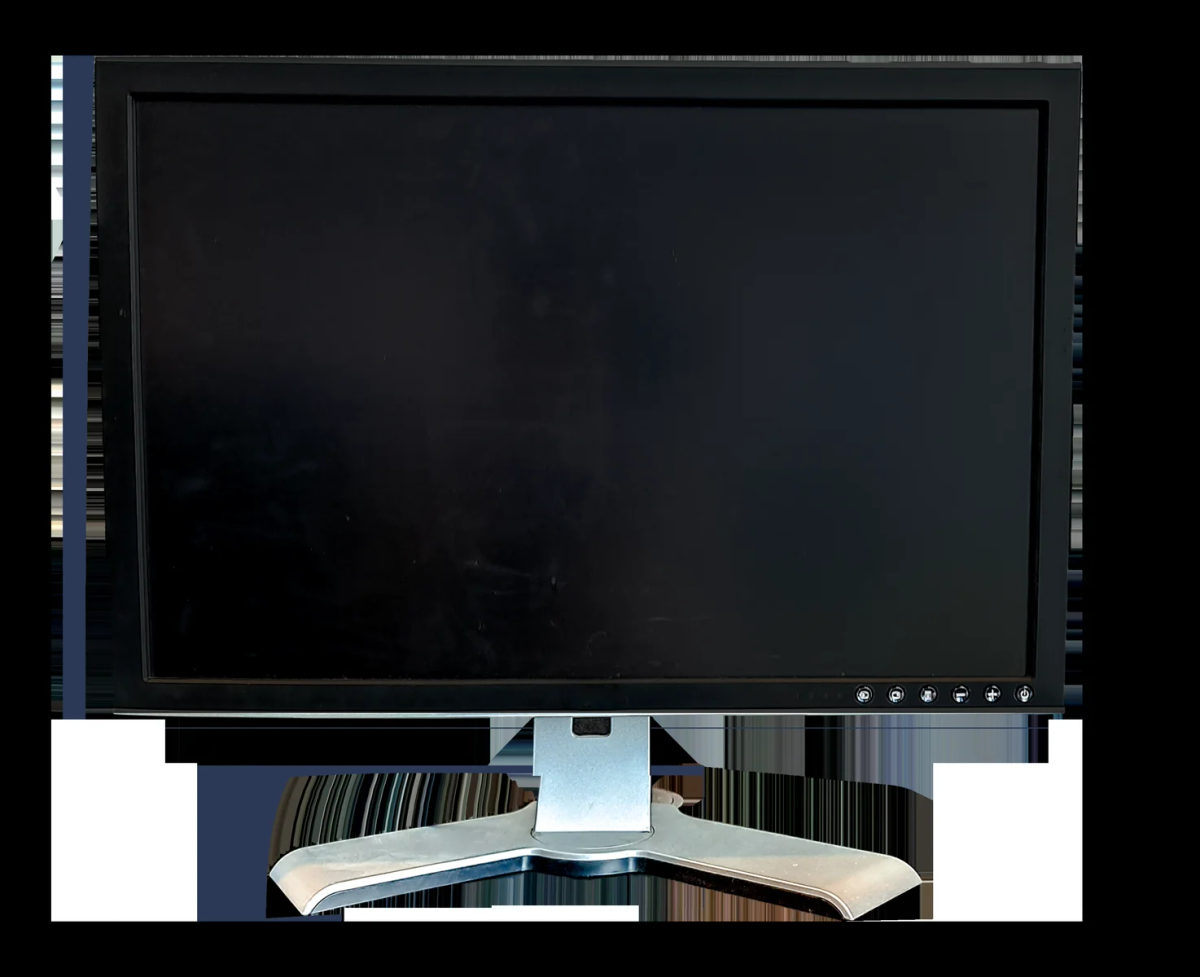
For storage, look for the supported USB speed on both the computer and drive, then check the cable. For charging, compare the charger’s output with the device’s supported USB Power Delivery profile; the highest number printed on a charger is not a promise that every device will draw it. For a monitor, confirm that the computer’s port supports video output, usually DisplayPort Alternate Mode or Thunderbolt, and that the cable and display support the intended resolution and refresh rate.
VESA’s USB-C DisplayPort material describes video lanes sharing the connector with USB data. Configurations that reserve more lanes for video can leave less bandwidth for USB 3 data. A dock can therefore offer different combinations of display, data and power depending on its design.
Read the whole chain
Think of the connection as a chain with a source, cable, adapter or dock, and destination. The weakest capability sets the result. A fast SSD connected through a USB 2.0 cable will run at the slower link; a monitor cannot receive video from a port that lacks video output, even if the cable fits perfectly. USB-IF specifically warns that Type-C implementations vary and says manufacturers should advertise the protocols actually supported.
Before buying, search the product manual for the port’s data rate, charging output and display support. Then check the accessory’s own specifications, including whether a cable is full-featured. “USB-C” answers the physical-fit question. It does not answer the performance questions.
Sources & further reading
USB-IF Type-C language guidelines VESA DisplayPort Alt Mode over USB-CPublished by Capvise Media. Editorial standards · Corrections